StageStudio

Breaking the Rules of Theatre Tech

Thirteen Years in the Making

While the number 13 is often tied to superstition, at Broadway Media it marks the milestone of something truly special. To celebrate our 13th anniversary, we are redefining the boundaries of media software for the stage and introducing powerful new tools that help you bring your vision to life onstage.

Download for macOSv1.0.0-alpha.3 · August 13, 2026
Download for Windowsv1.0.0-alpha.3 · August 13, 2026
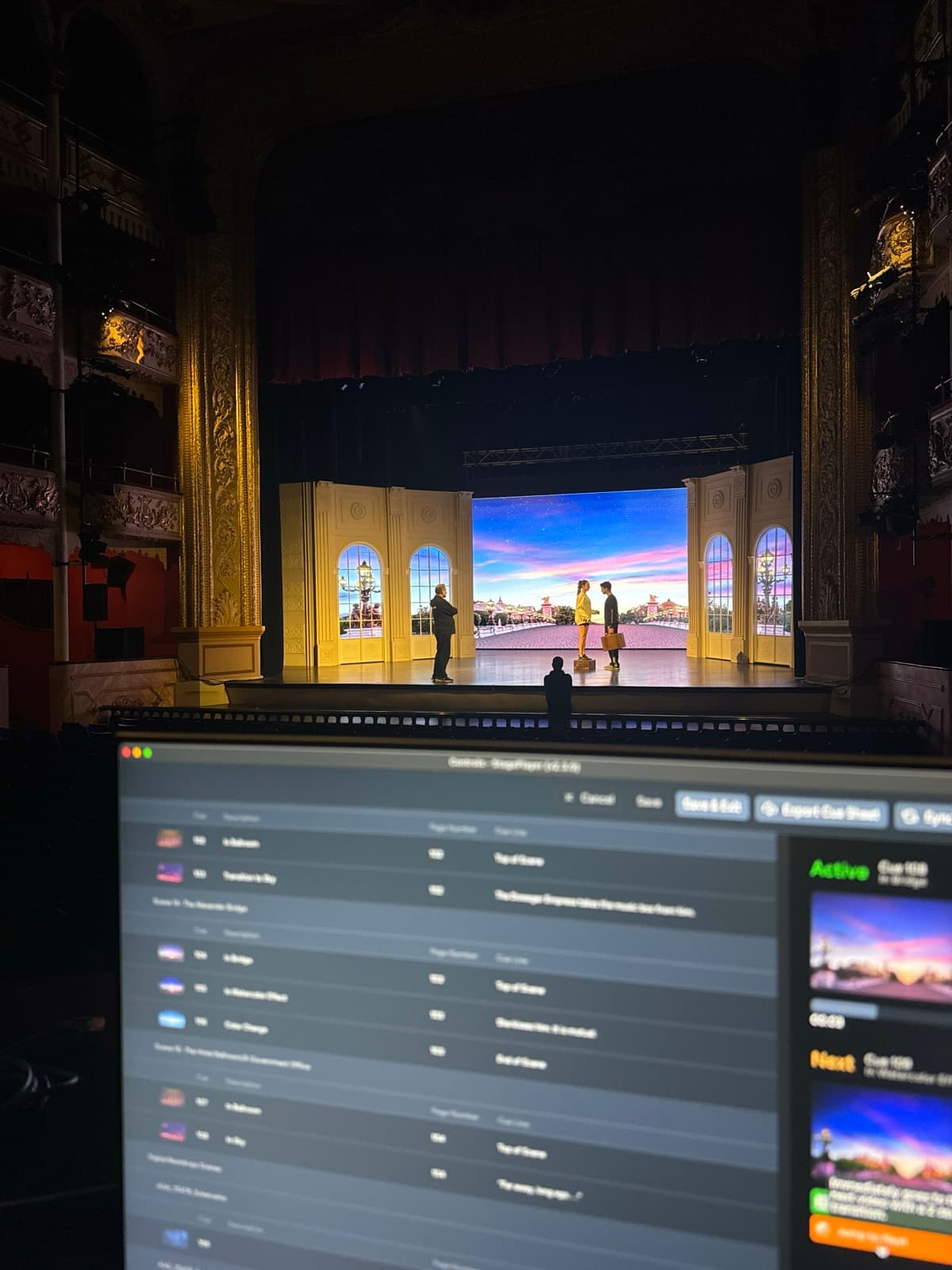
A technician's laptop running a StagePlayer cue list in a theatre booth, with digital scenery projected on the stage beyond

Thirteen Years in the Making

For over a decade, we've been your dedicated partners in bringing Broadway-quality digital scenery to your stage, and now we are empowering your production with an even higher level of capabilities leveraging our next-generation digital scenery technology.

Our new platform isn't just an update, it's a complete reimagining of show control, where we are challenging the Mac-only status quo of existing industry tools to make professional projection accessible to every school and community theatre, regardless of operating system.

Choose Your Experience

Whether you need plug-and-play simplicity or advanced creative control, we have a tier designed for your production.

StagePlayer

Free/Core

Ideal For
Simple playback, best for teachers, students, and entry-level volunteers
Production Limit
1 Active Production
Creative Tools
Plug-and-play feel
Backdrop Library
Full access to view and purchase
Output Quality
Watermarked when using studio tools
Cue Hierarchy
Simplified playback

StageStudio
Pro
Ideal For
Advanced show creation and editing
Production Limit
Unlimited Productions
Creative Tools
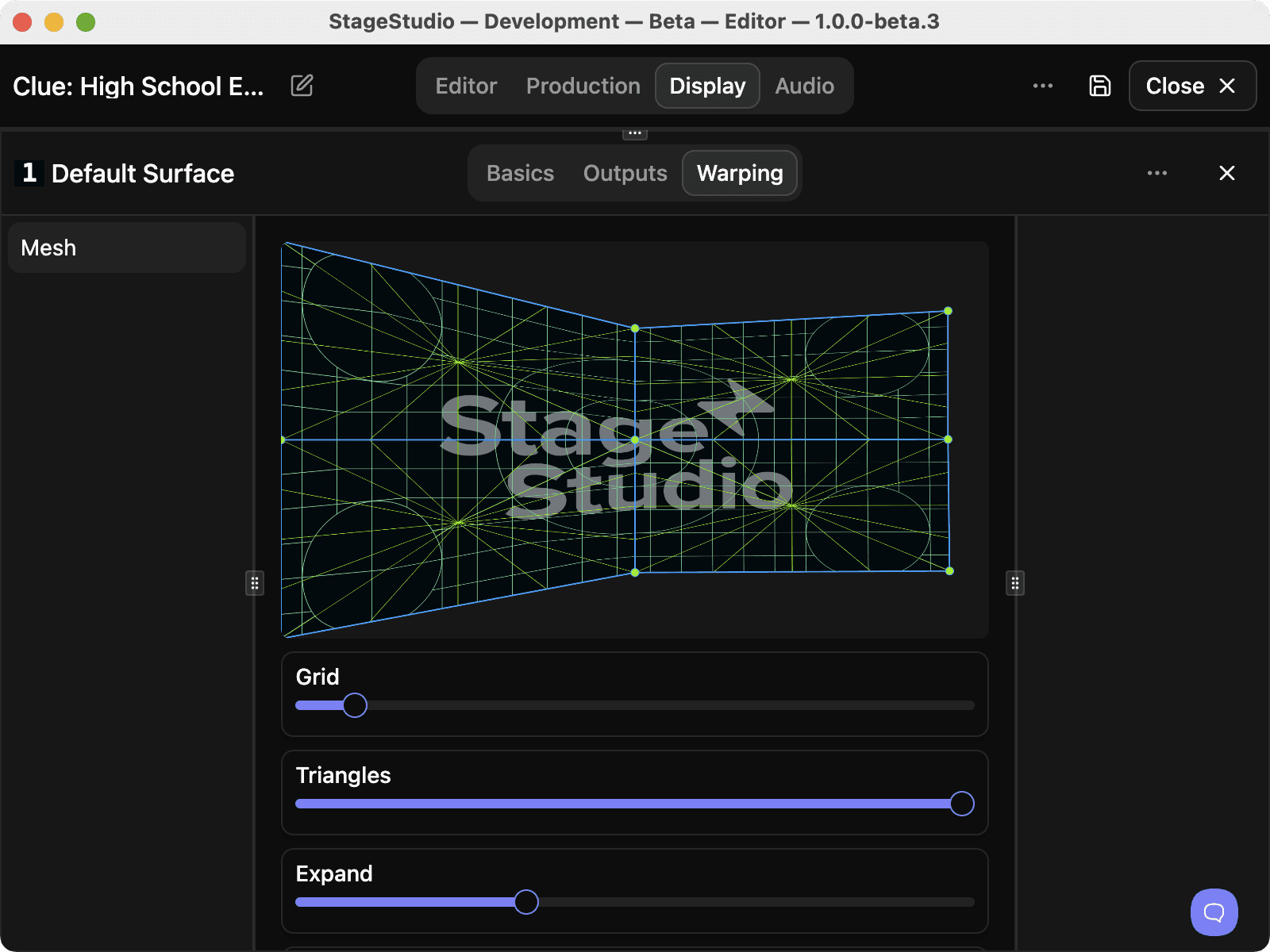
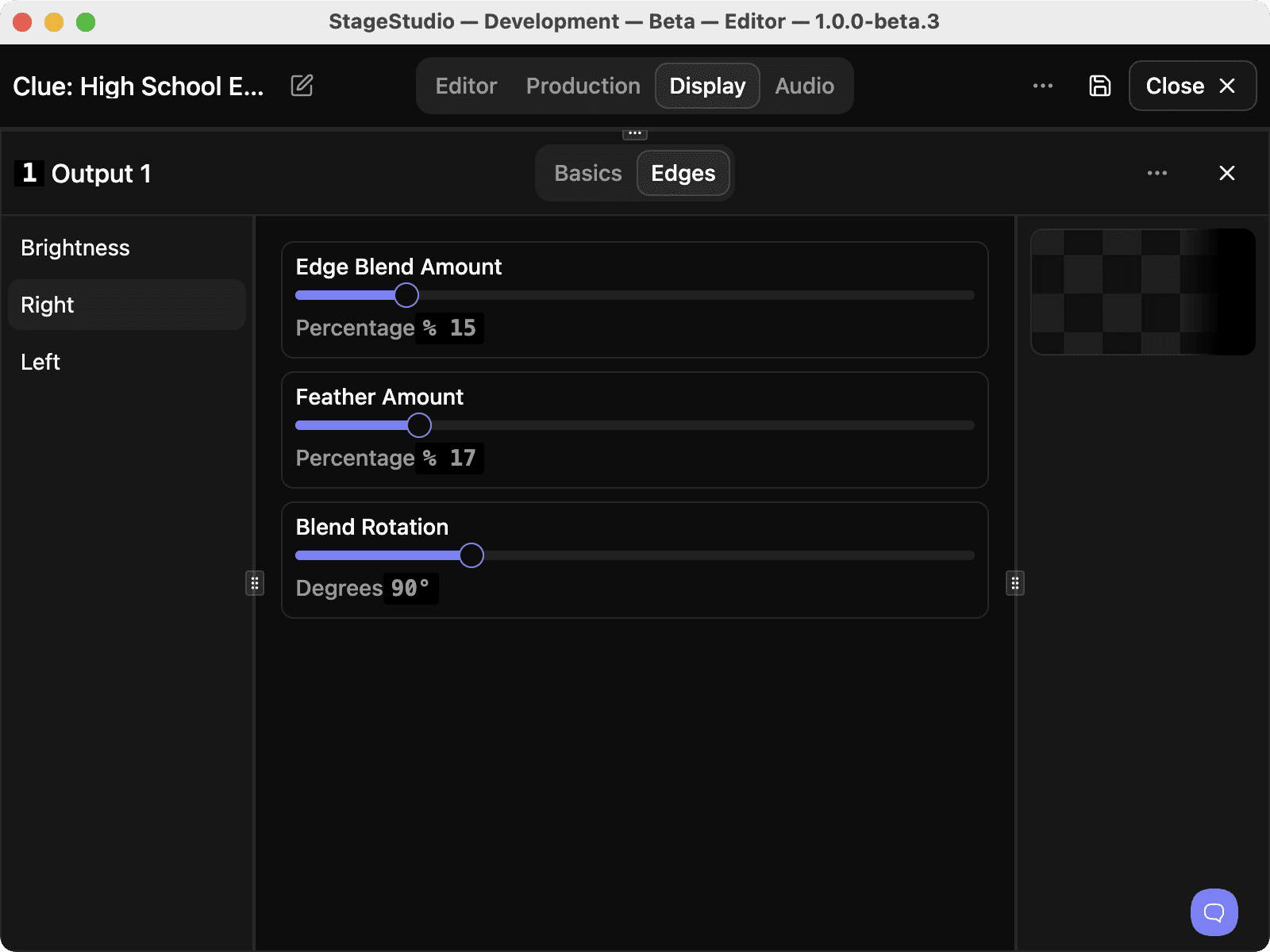
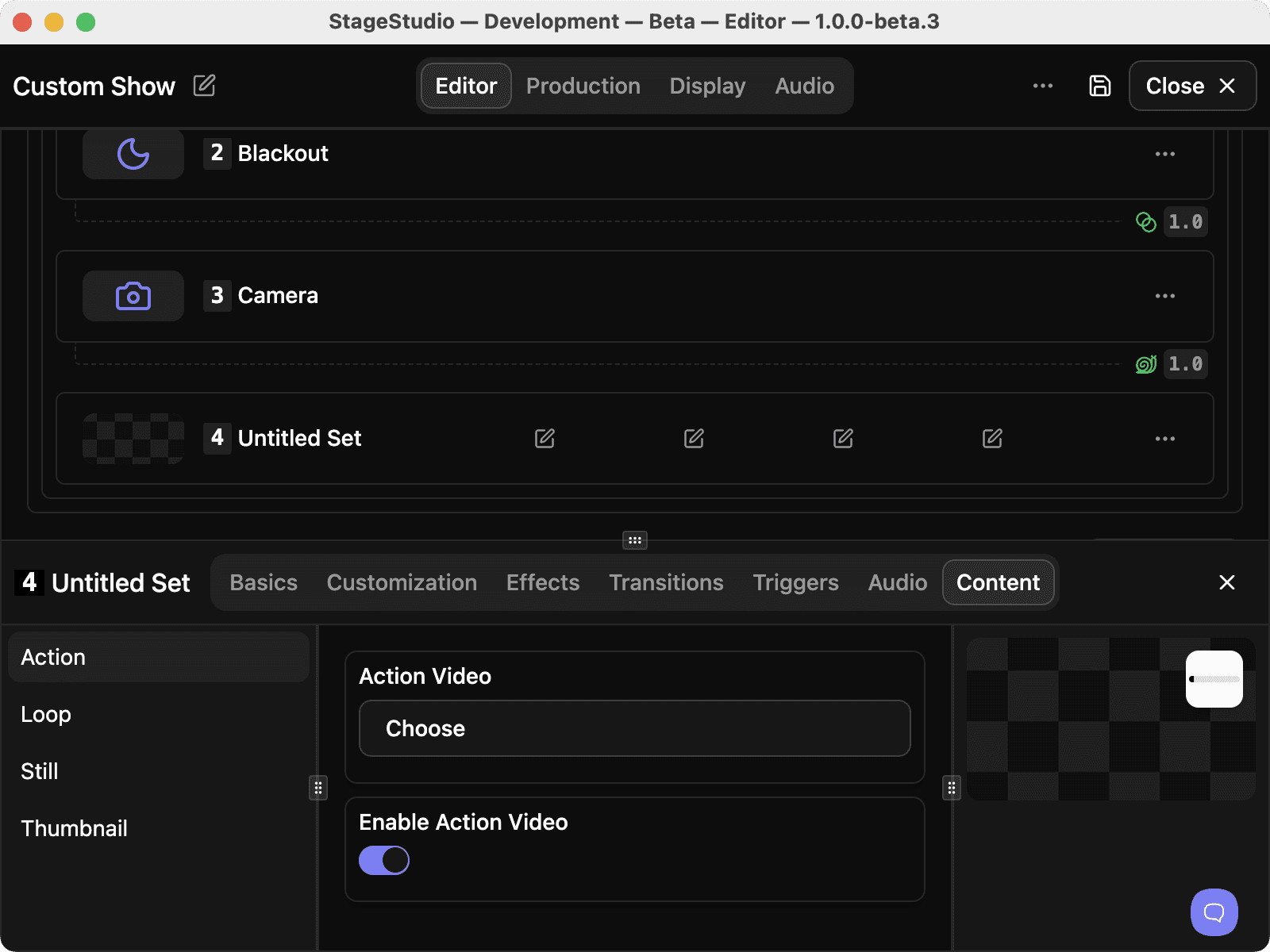
Advanced mapping, warping, and edge blending
Backdrop Library
Included as a standard feature
Output Quality
No watermarks for professional use
Cue Hierarchy
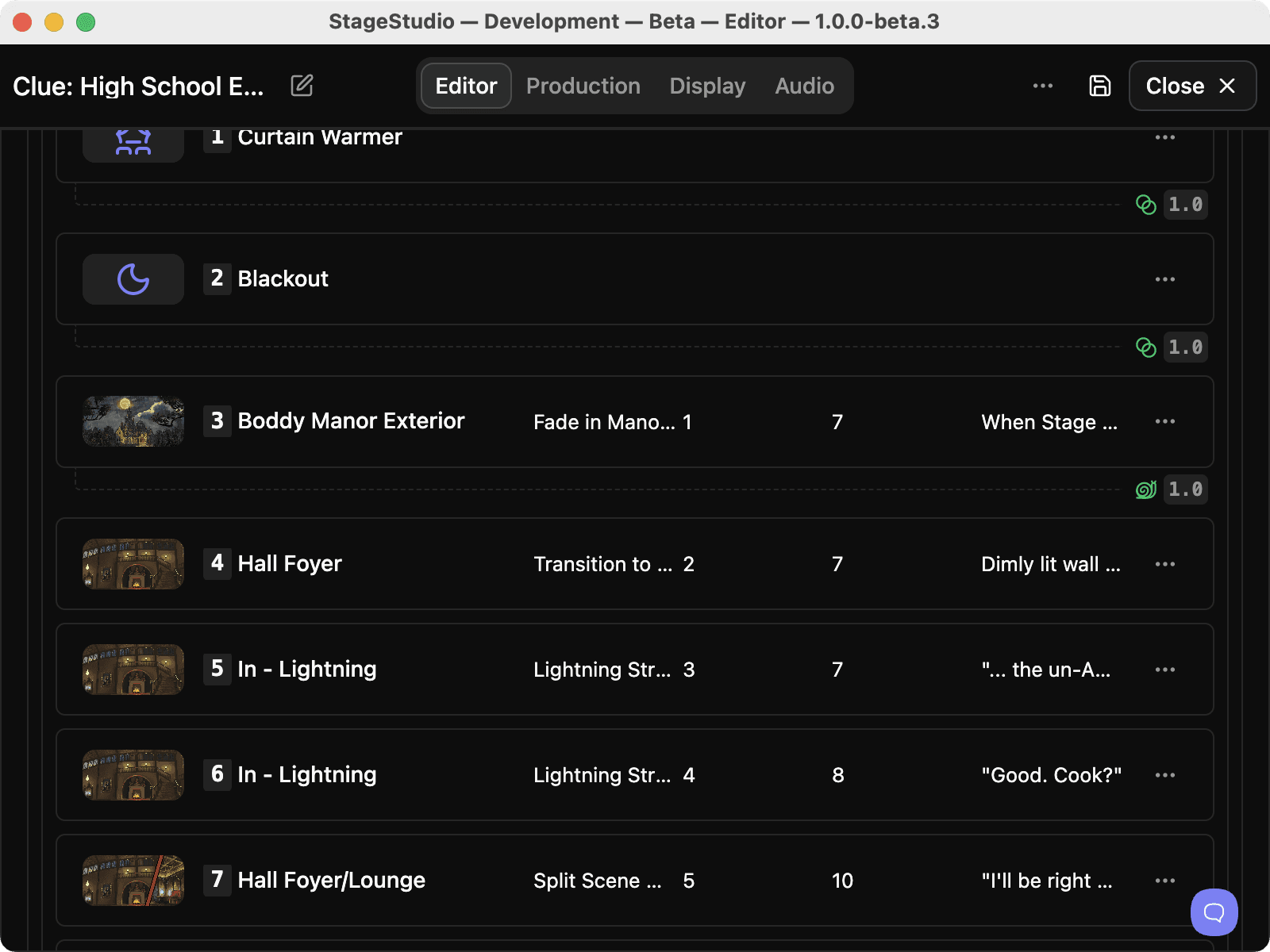
Full Acts, Scenes, and Sets Workflow

Browse the Backdrop Library

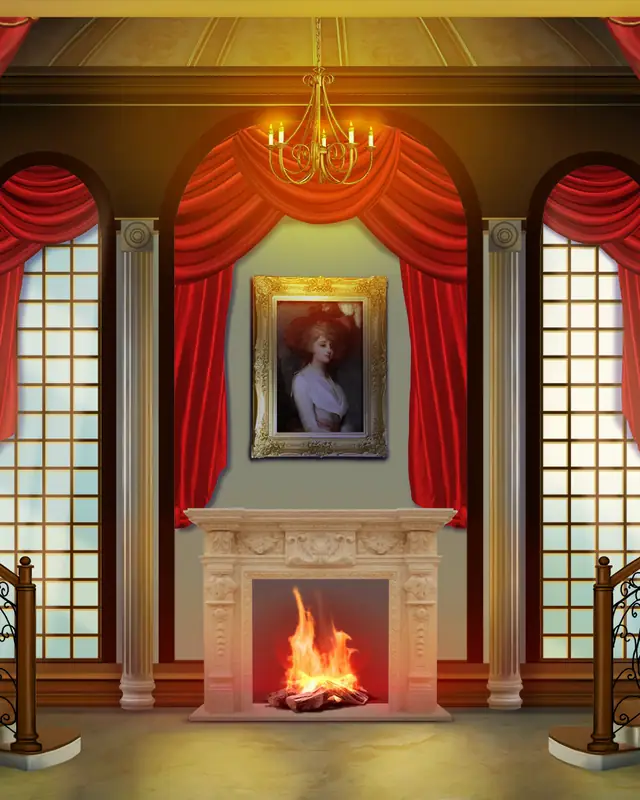
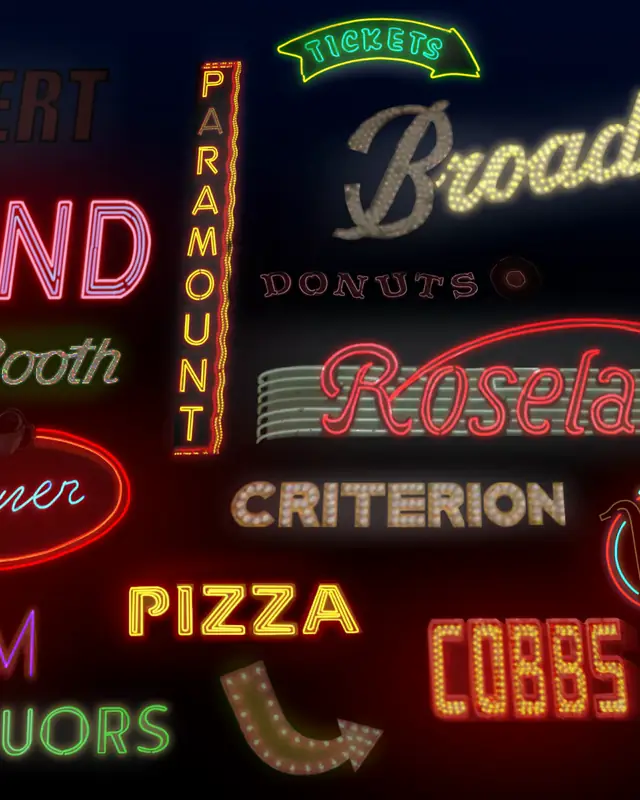
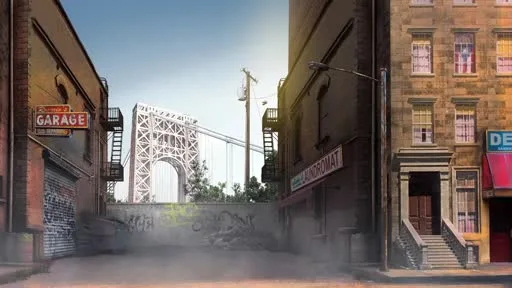
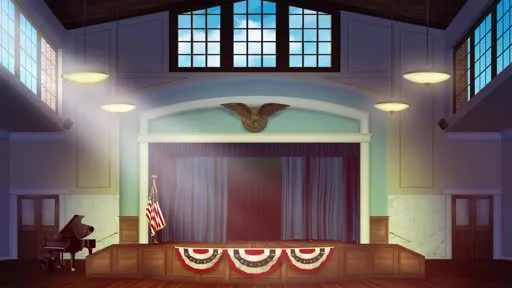
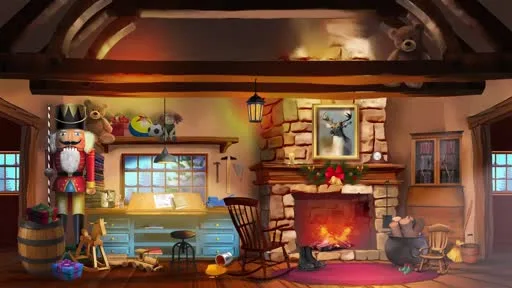
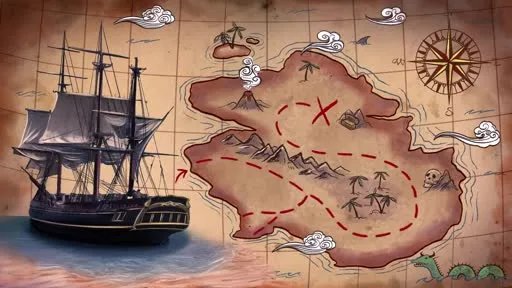
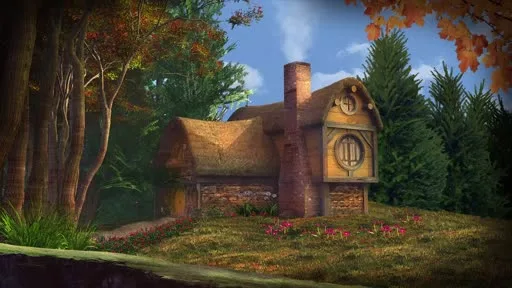
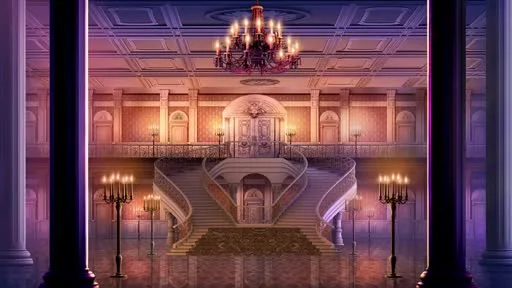
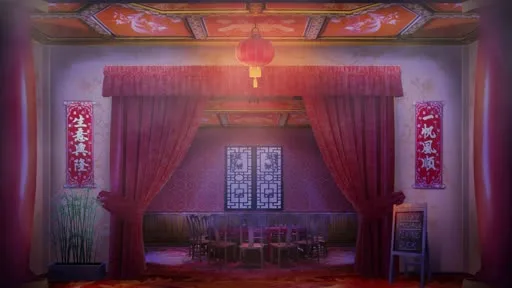
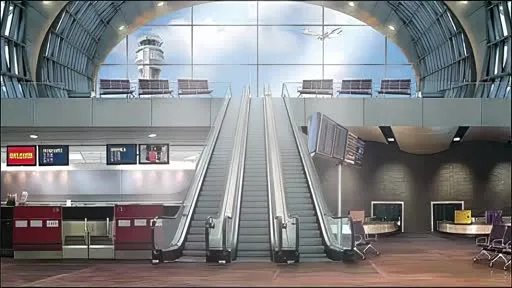
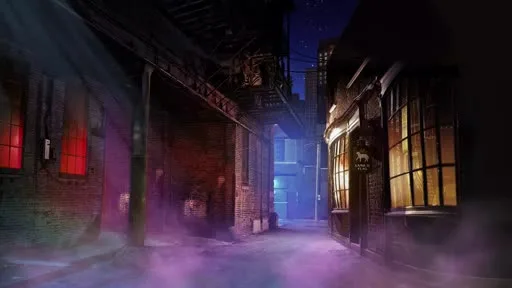
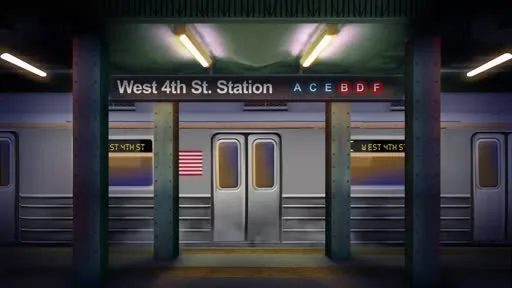
Over 3,000 fully animated digital backdrops, ready to drop into your production.

Latest Drops

New, fully-animated digital backdrops added to our library every week.

Explore the Library

Software Included

Each order comes with our StagePlayer software, the best way to implement digital scenery into your production. Cross-platform compatibility with both Mac and PC.

Cloud Access

Download your content immediately and start rehearsing right away. Once installed, access to materials is available offline.

Simple Setup

Prep your show in StagePlayer with easy-to-use edit features, connect your computer to a projector, then simply present your digital scenery.

Common Questions

What is the difference between StagePlayer and StageStudio?

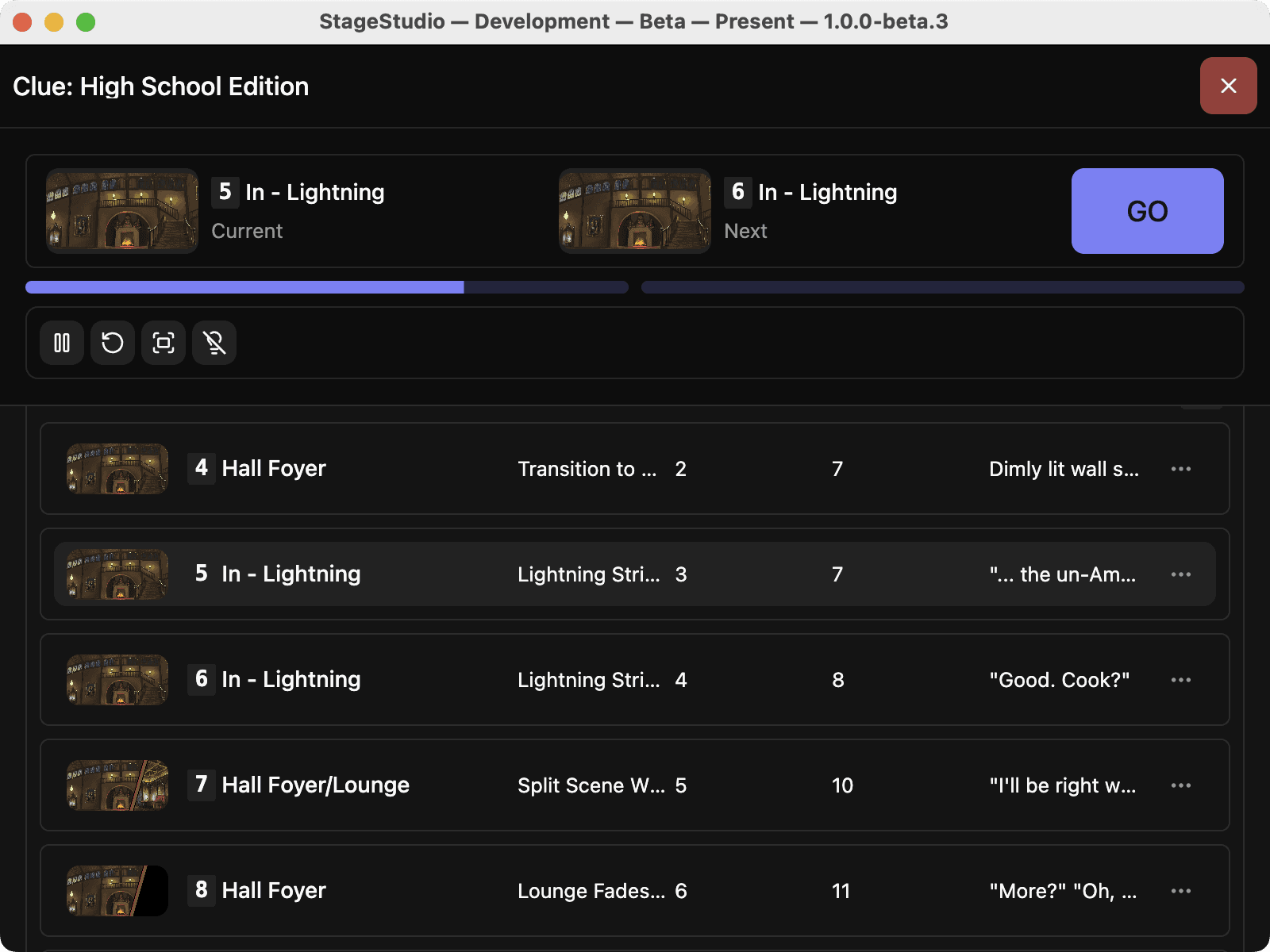
StagePlayer is designed for simplicity, featuring Plug and Play playback during live performances, everything is pre-cued and easy to use. StageStudio is our professional creative environment, built for advanced users who need tools for custom mapping, edge blending, advanced show editing, and more.
Do I need both applications?

While StagePlayer offers everything required for standard, straightforward playback, StageStudio is designed for users needing sophisticated editing tools. If your production demands custom surface mapping across multiple outputs, advanced cue structuring, or custom set building, StageStudio offers a powerful alternative that expands far beyond a basic plug-and-play workflow.

Do I have to download StagePlayer and StageStudio separately?

Yes, StagePlayer and StageStudio are two separate applications. If you are a current StagePlayer user looking to upgrade to the StageStudio creative environment, you will need to download and install the StageStudio application separately.

My show is currently in StagePlayer 2.0. Do I have to migrate?

Your existing StagePlayer 2.0 productions remain fully supported. While StagePlayer 3.0 and StageStudio introduce a new, more secure architecture, you can continue to use your current shows without worry or having to update edits. Please note that StagePlayer 3.0 is not backwards compatible, so we do recommend starting new productions in the new version for the best performance.

What onboarding materials are available to learn this new software?

Our goal was to make onboarding as frictionless as possible. StagePlayer 3.0 is designed for a 10 minute install and a 5 minute learning session, featuring new interactive walkthroughs, the system guides you through the workflow regardless of your technical experience.

I’m an experienced StagePlayer user, what changes should I expect?

Based on a thorough review of submitted user experience logs and customer feedback surveys, StagePlayer 3.0 addresses key pain points and popular feature requests. Key enhancements include:

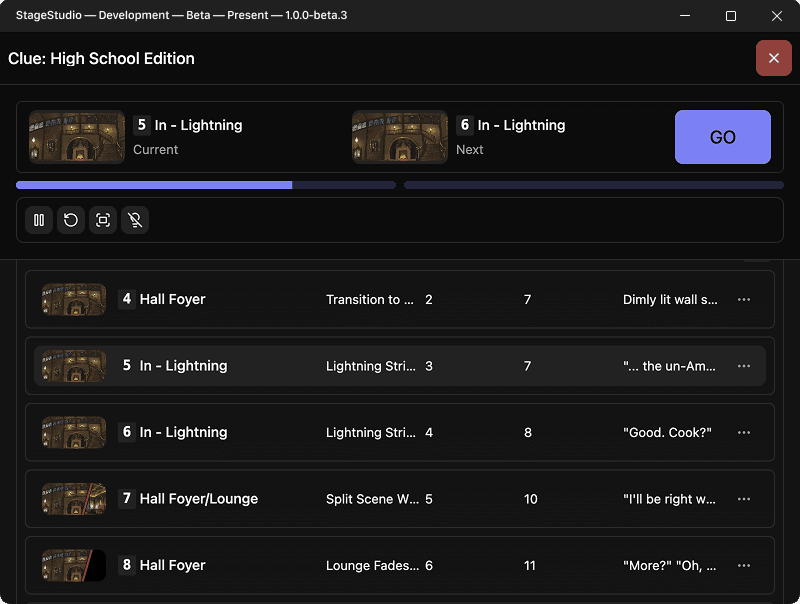
  • A streamlined user interface, replacing the separate "Next" and "Jump" options with a unified "Go" button.
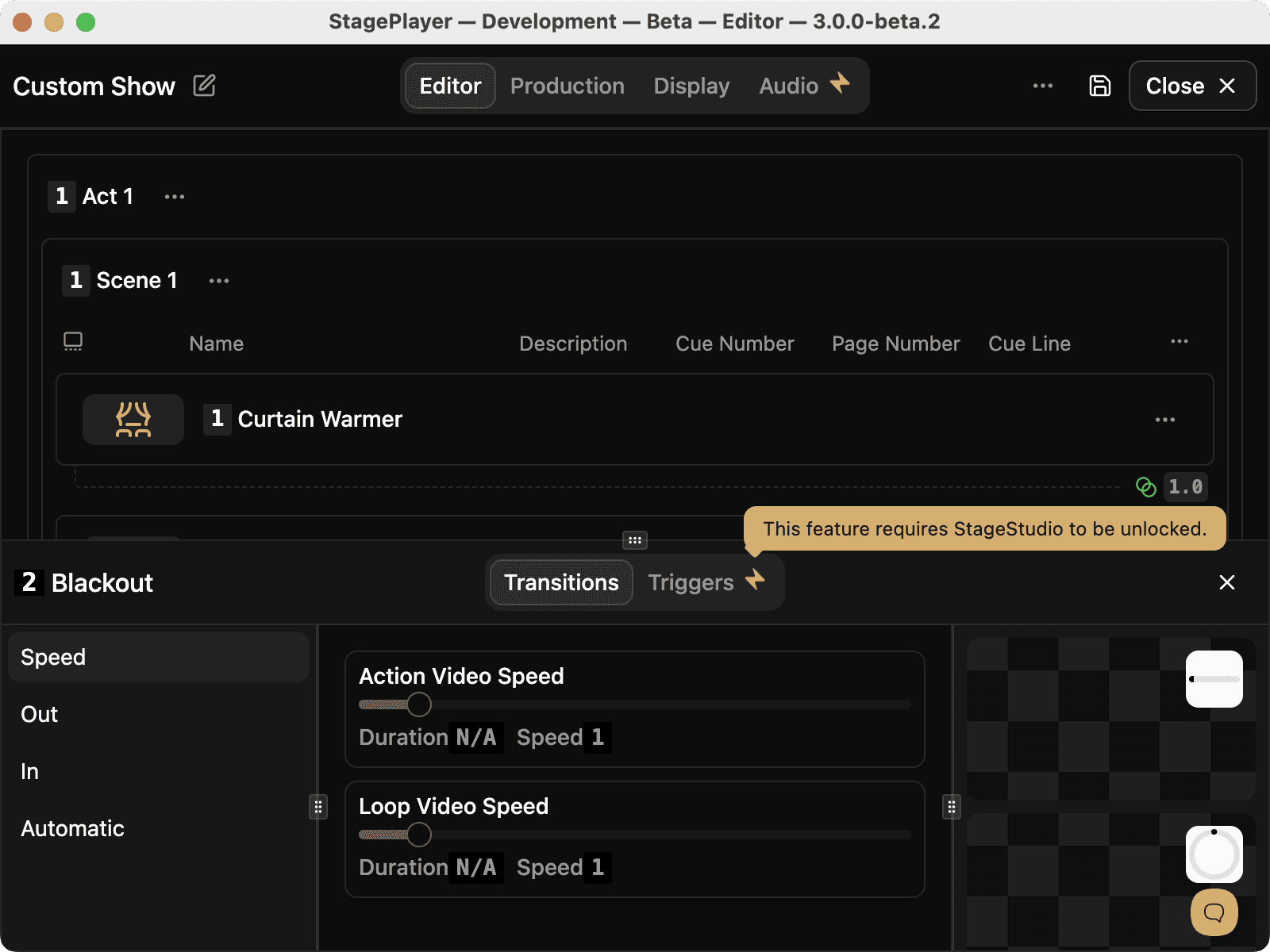
  • Simplified, more intuitive blackout controls.
  • Easier methods for disabling and skipping cues.
Can I start in StagePlayer 3.0 and upgrade/move to StageStudio?

Yes, you can start a show in StagePlayer, and if you need advanced customization, use the “Edit in StageStudio” option. Edits made in StageStudio will reflect in your StagePlayer production instantaneously.

Why does my output show a watermark?

The watermark appears if you use advanced creative tools (such as custom mapping or edge blending) while using the free StagePlayer tier. This allow you to experiment with professional-grade capabilities at no additional cost. To remove the watermark for your performance, simply upgrade to StageStudio.

Can I build my own show or are these just for Broadway Media packages?

While Broadway Media offers a library of professional, show-specific content, StageStudio is a robust creative environment that allows you to build your own productions from scratch, including custom sets, advanced cue organization, and multi-output mapping.

Can I still use QLab?

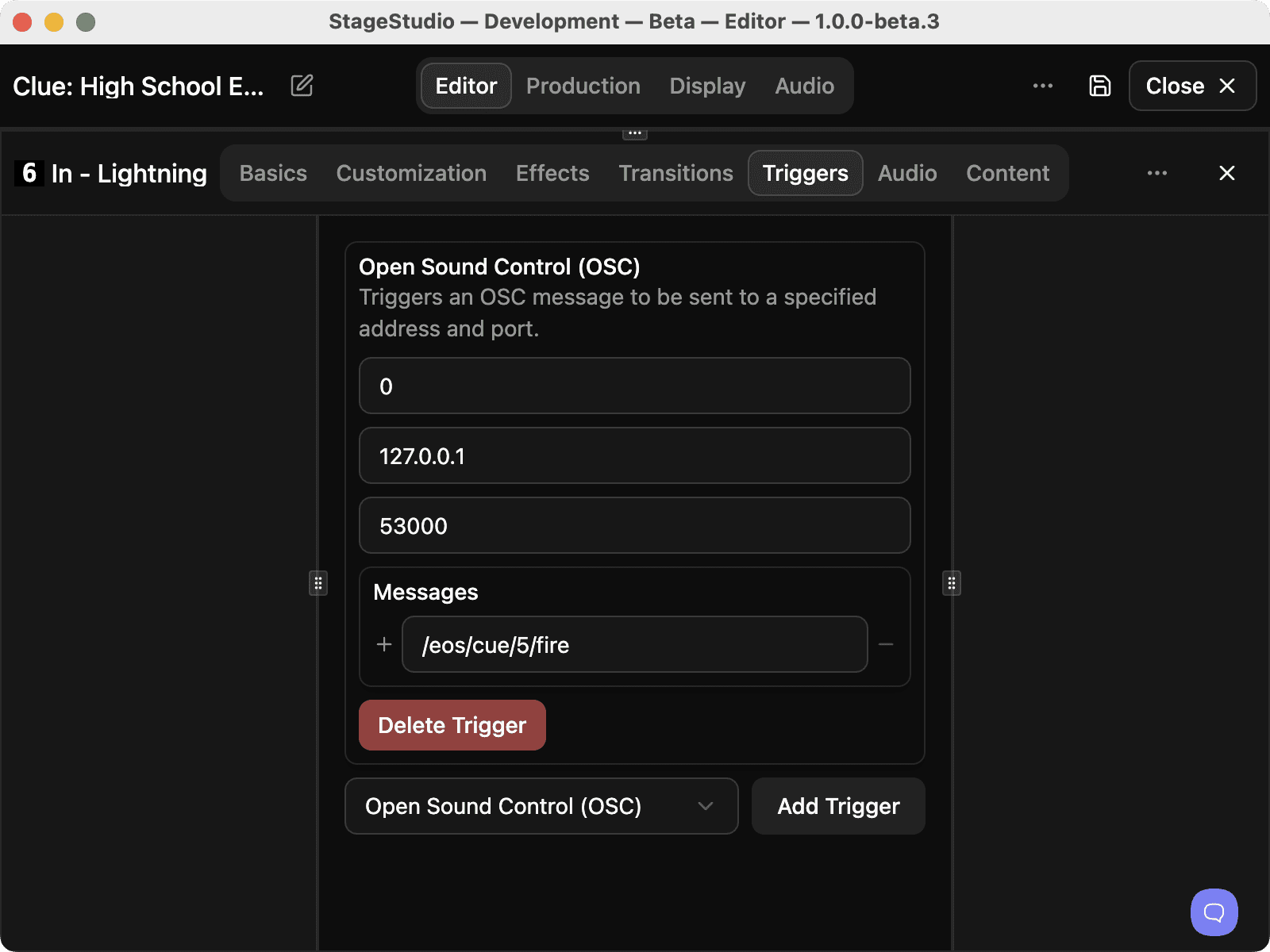
Yes, StageStudio features bi-directional OSC (Open Sound Control) support, which allows it to be controlled by OSC-capable software like QLab, and enables StageStudio to send OSC commands outward to trigger external actions.

The StageStudio desktop app icon

Help Us Shape the Future

We are inviting you to join the Beta Program! This is your chance to test-drive the future of theatrical projection and provide direct feedback.

Download for macOSv1.0.0-alpha.3 · August 13, 2026
Download for Windowsv1.0.0-alpha.3 · August 13, 2026
Share your feedback